

Industry Expertise
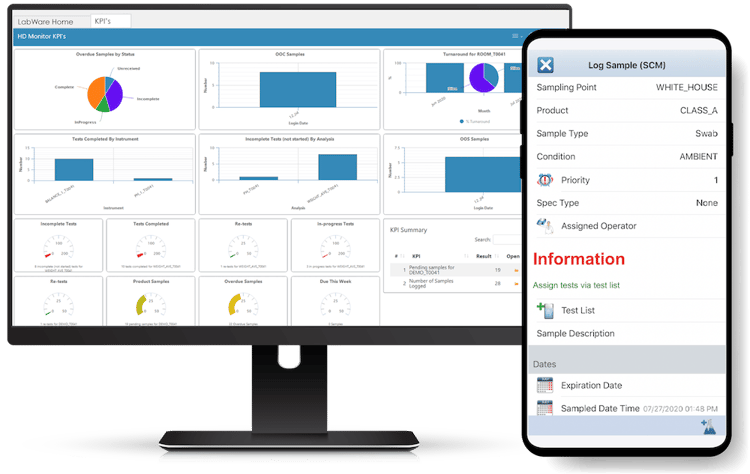
Flexible and configurable for unique requirements, use cases, and industry-specific applications.











Organizations of all sizes trust LabWare to streamline their lab documentation processes.


Flexible and configurable for unique requirements, use cases, and industry-specific applications.
Cut down on intensive manual data checking and improve your electronic record keeping.

Rigorously tested to ensure rapid implementation and regulatory compliance.

Consolidate, analyze, search, and trend laboratory data while automating final reports such as COAs.

Streamline your lab process, resulting in reduced overall costs and increased productivity.

Support defined operating procedures with electronic records, signatures, audit trails, and documentation.
Discover why global industry leaders and governments choose LabWare.























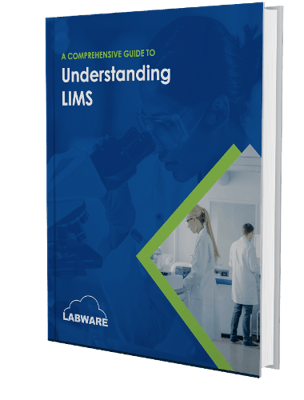
→ 4 indicators that your lab is ready for a new LIMS
→ Breakdown of LIMS deployment options (SaaS v. Cloud-hosted v. Self-hosted)
→ 8 factors that determine the total cost of ownership of your LIMS

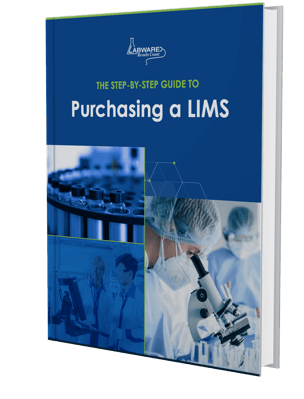
→ Factors that are considered into the total cost of a LIMS
→ Stakeholders you should include in the evaluation and purchasing process
→ Overview of how to compare features across LIMS system vendors

→ 5+ technical innovations built in LabWare 8
→ Visualizations of your instruments and systems interacting with LabWare 8
→ Overview of LabWare Mobile that brings portability to lab automation